Get your own Animal Farm with xaff 3.0
|
|
Get your own Animal Farm with xaff 3.0
|
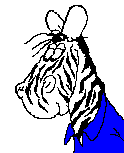 xzebra |
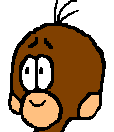
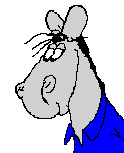
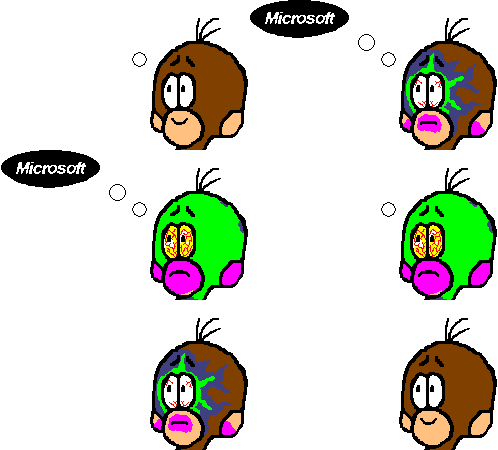
animal selecting optionsA preselection is already done by the call of the program. The name of the executable file is "xaff" (Affe = monkey). There are also 2 links named "xpferd" (Pferd = horse) and "xzebra" that cause xaff to appear as a horse or a zebra. A zebra is defined as a horse with white ears, a white face and a black mouth.Further shape corrections can be done with the following options: -aff, -aeffle, -monkey, -mongele, -xaff -> monkey -pferd, -pferdle, -gaul, -horse, -horsele, -xpferd -> horse -zebra, -xzebra -> zebra |
 -gosch   <color>
 -mouth   <color>     color of mouth or horse's zebra strips

 -xicht   <color>
 -face    <color>     color of face or horse's face excluding zebra strips

 -aug     <color>
 -eye     <color>     color of eyes

 -ohr     <color>
 -ear     <color>     color of ears

 -hemd    <color>
 -shirt   <color>     color of horse's shirt

 -all     <color>     The whole head is set to <color>.
                      Following color options are taken into
                      account.

 -mono                b/m mode
<color> must be a valid entry of rgb.txt. If you specify "none", "None",
"transparent" or "Transparent" as the color the refering part will
become transparent.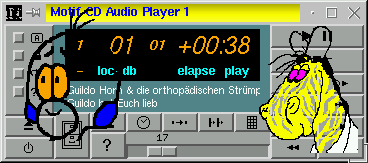
 -x       <value>
 -y       <value>      initial position
 -center  <value>      x and y refer to the screen center

 -vx      <value>      initial horizontal velocity
                       in pixel / 100 ms
 -vy      <value>      initial vertical velocity
                       in pixel / 100 ms
 -acc                  random accelerations

 -display <terminal>   works

 -f                    xaff always stays on top